Projects / Cortex
Cortex
A RAG codebase companion. Indexes repos and pull requests with AST-aware chunking, then answers questions with cited code over streaming chat.
- Vue 3
- Flask
- Celery
- Redis
- ChromaDB
Demo
Overview
Cortex lets you point at any GitHub repository and chat with it in plain English. It indexes the source code and the engineering history (merged pull requests, their descriptions and diff summaries), so it can answer what the code does and why it was written.
Open /owner/repo in the browser and Cortex resolves the repository, indexes it in the background with a progress bar, and then answers questions with citations to files and line ranges.
The demo below indexes frick, another project of mine, and asks how its double-frick feature works.
What it does
- Code-aware chunking. tree-sitter splits code along function and class boundaries, so each chunk is a meaningful unit instead of a fixed window of tokens.
- Code and history. Source files and merged pull requests are indexed in separate ChromaDB collections, so you can ask both what and why.
- Cited answers. Replies stream over Server-Sent Events and end with a list of sources that opens in a drawer, split into Code and PR History.
- Zero-setup routing. Visit
/owner/repoand Cortex verifies, resolves and indexes the repository automatically. - Background indexing. Celery and Redis do the heavy lifting while the UI shows live progress from a job-status endpoint.
- Real models. Embeddings use
gemini-embedding-001(1536 dimensions) and answers come fromgemma-4-26b-a4b-itthrough the Gemini API, with retry fallbacks. - Accounts. JWT sign-in and optional Sign in with GitHub, with SQLite for development and PostgreSQL for production.
- Easy to run. A Docker Compose file starts PostgreSQL, Redis, the API and the worker together.
Screenshots
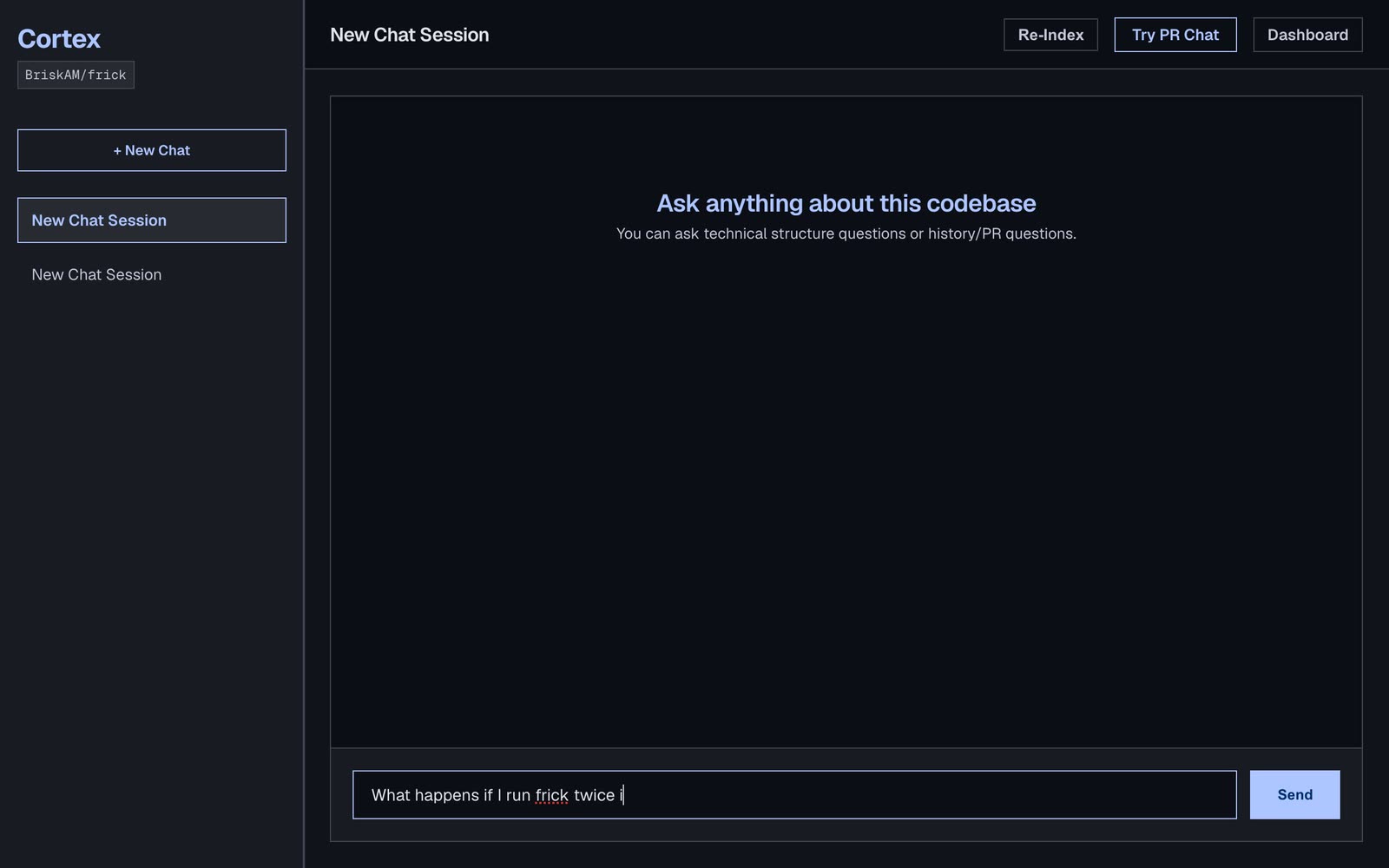
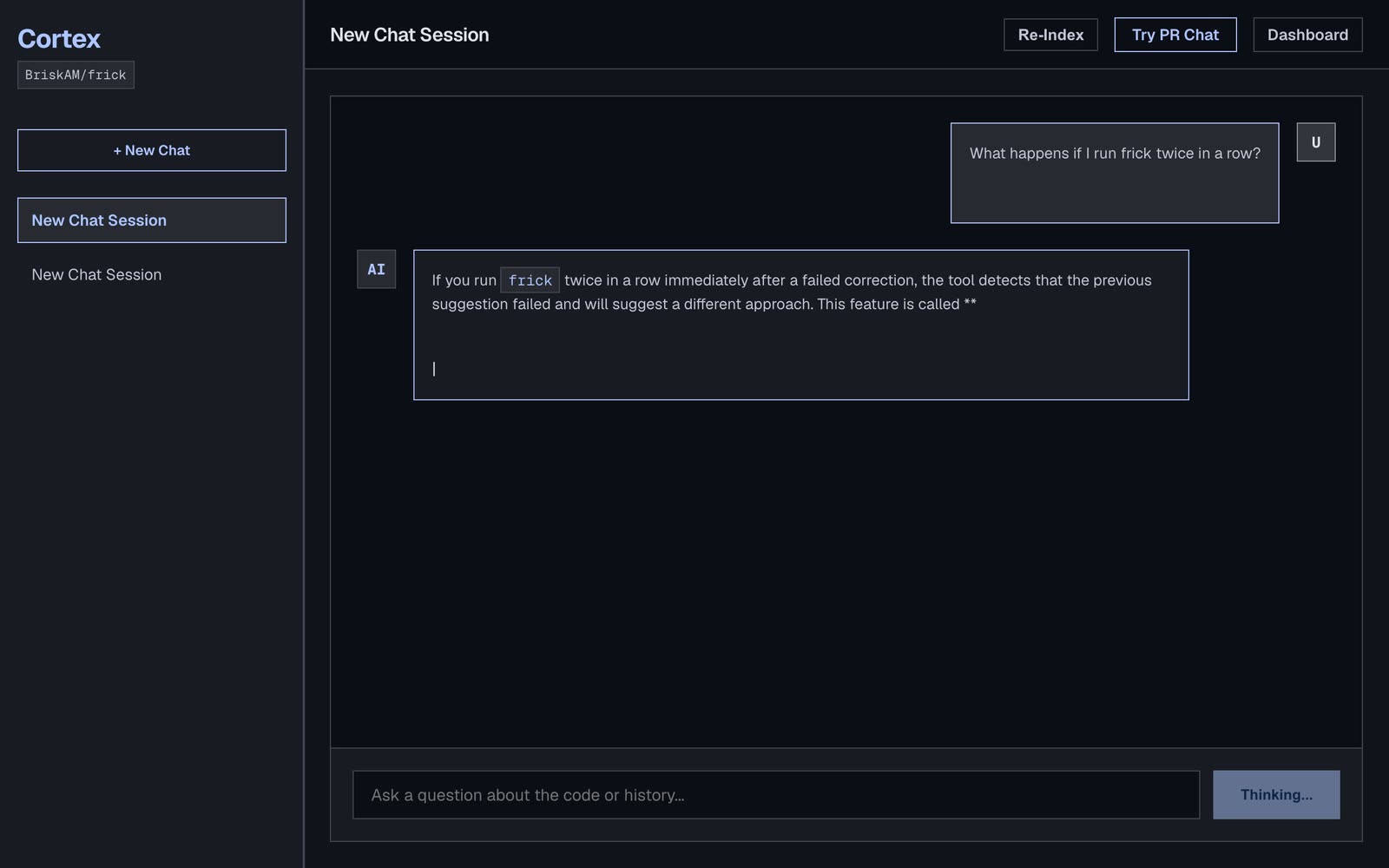
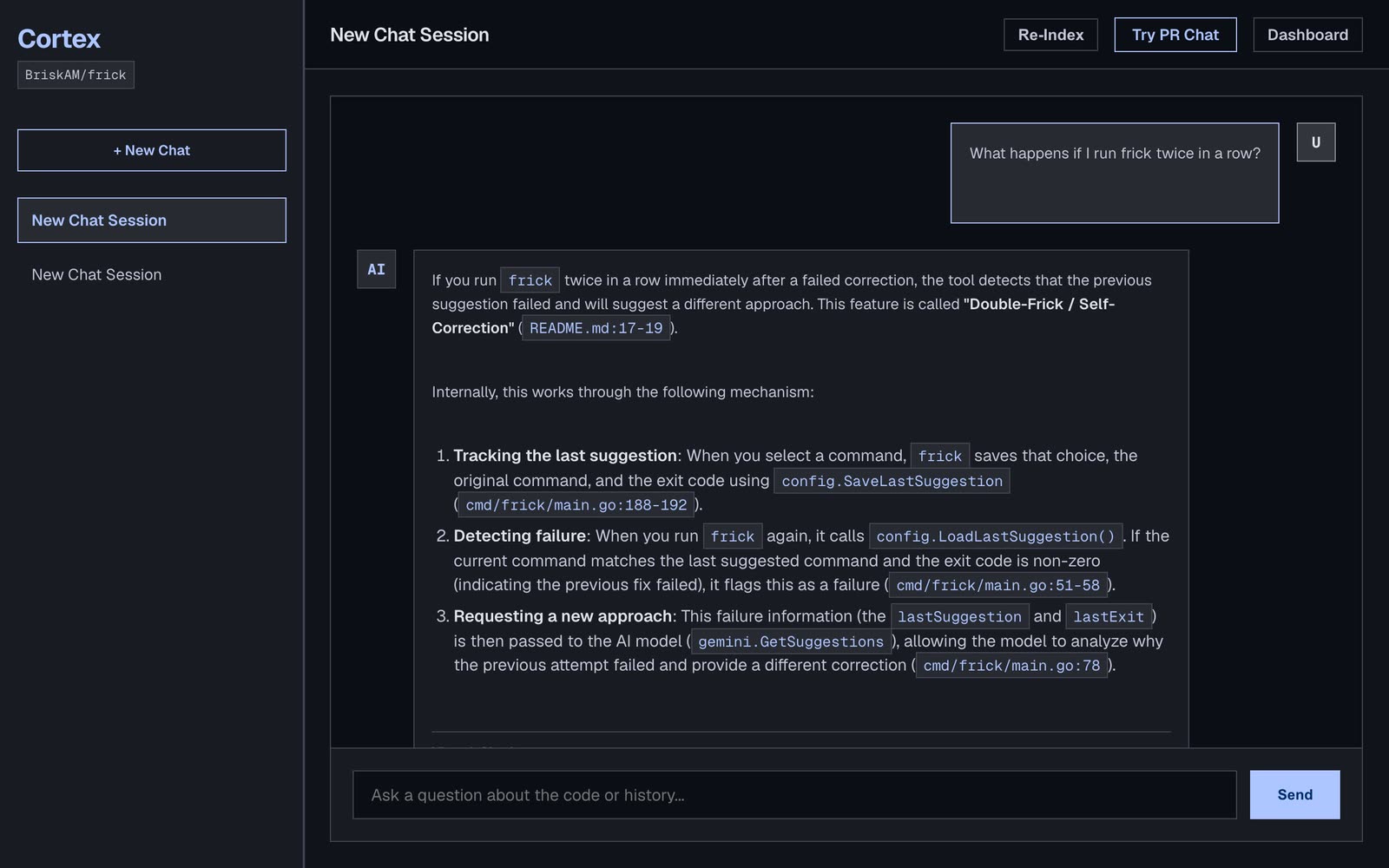
cmd/frick/main.go:188-192.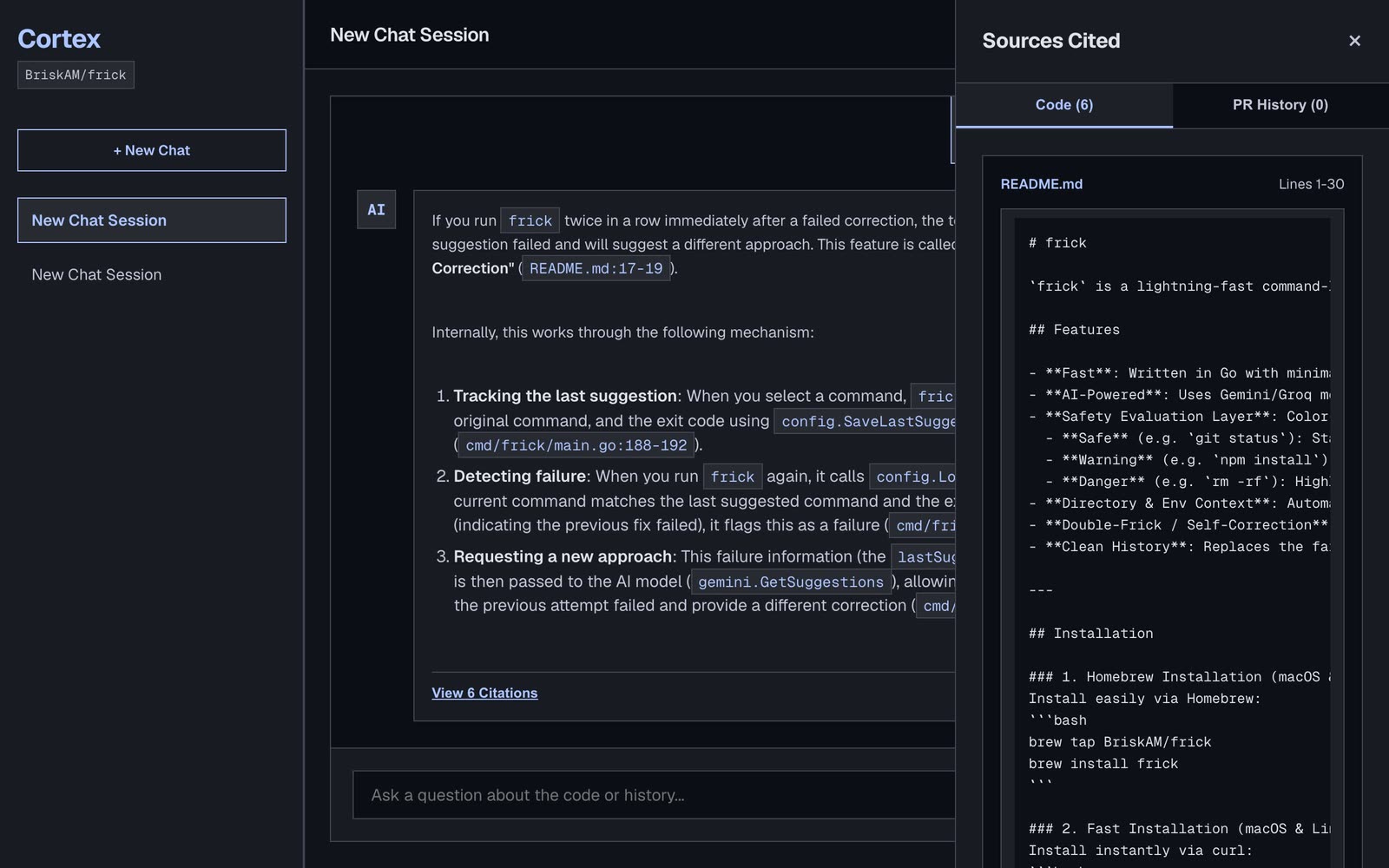
How it works
- You open a repository in the Vue app. The Flask API resolves it and, the first time, queues an indexing job in Redis.
- A Celery worker picks the job up and fetches the file tree, file contents and merged pull requests from the GitHub API.
- Code is chunked with tree-sitter, every chunk is embedded with Gemini, and the vectors are stored in ChromaDB.
- When you ask a question, the API embeds it and retrieves the closest code and PR chunks as numbered sources.
- A Gemma model answers using only that context and cites files and line ranges. Tokens stream back to the browser, and the sources open in the drawer.
Install and try it
Cortex needs a Google AI Studio API key, Python 3.11+, Node 18+ and Redis. It reads repositories through your gh login, or a GITHUB_TOKEN.
- Get the code and add your key
git clone https://github.com/BriskAM/cortex.git cd cortex echo 'GOOGLE_API_KEY=your-key' > .env - Start Redis
redis-server --daemonize yes - Set up the backend
cd backend python -m venv .venv source .venv/bin/activate pip install -r requirements.txt cd .. - Start the worker and the API
Run them in two terminals. On macOS the worker needs
--pool=solo; the default process pool starts without the Flask app context and every task fails.PYTHONPATH=. backend/.venv/bin/celery -A backend.celery_worker.celery worker --pool=solo --loglevel=info PORT=5001 PYTHONPATH=. backend/.venv/bin/python backend/run.py - Start the frontend
Then open
http://localhost:5173/BriskAM/frick(or anyowner/repo). To run everything in containers instead, usedocker compose up --build.cd frontend npm install npm run dev
Notes
- Cortex is not hosted at the moment, so this page shows a recording of it running locally instead of a live link.
- Cortex sends repository code and your questions to Google's Gemini API. Only index repositories you are happy to share with that service.
- The recording indexed the public
frickrepository, which has no pull requests, so the PR History tab is empty in the demo.